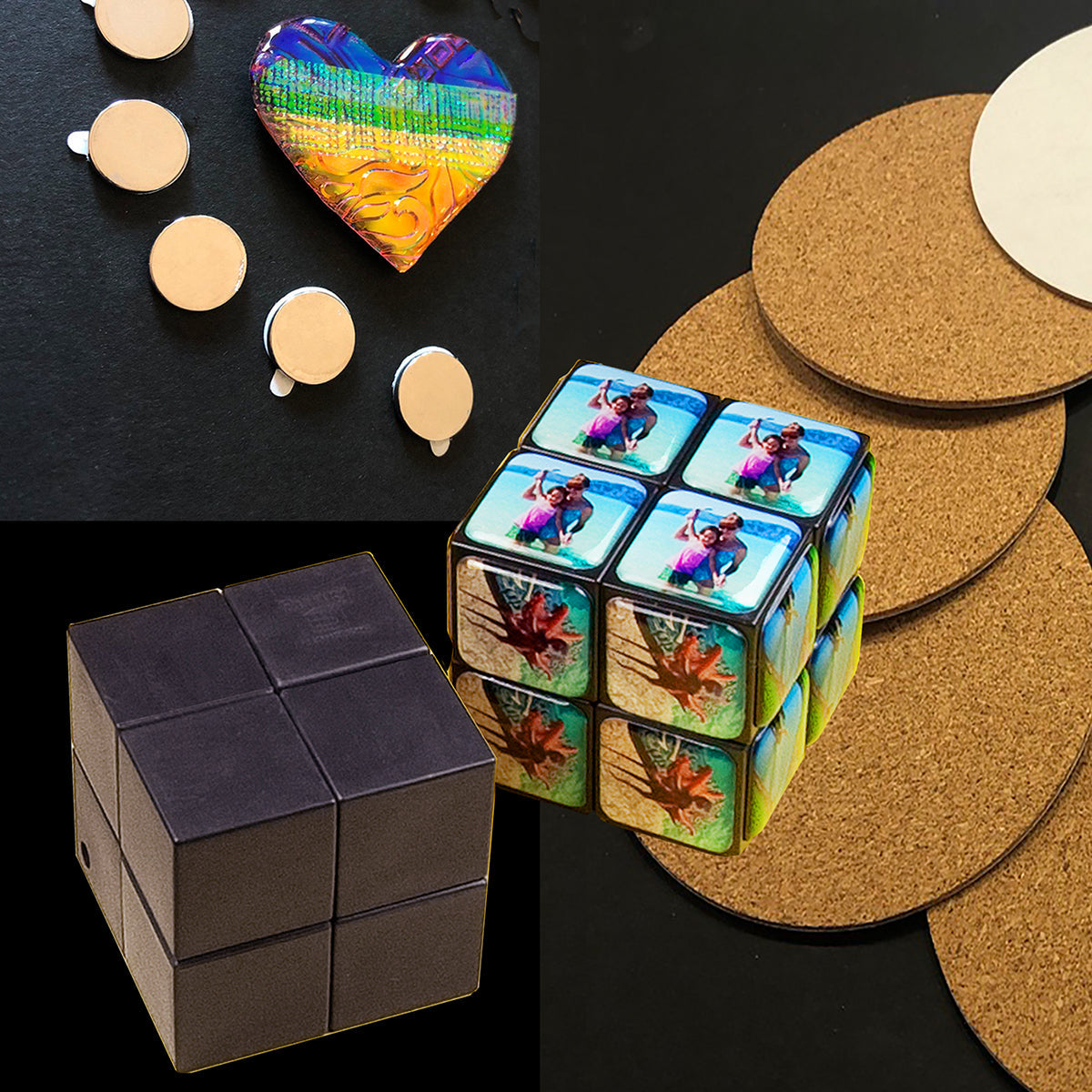


Textured Dichro Color-Shift Buttons
Everything above: 4 items, $70.00
You'll also need
- Something to add texture to your Dichro-ISH Films. The video tutorial below shows a few options, some done with an embossing machine, some done with just texture envelopes, and others simply done by hand. Here's a link to the texture tools I used in this video.
- A pen to trace your shapes with the Cropping Template that comes with your mold
- Sharp Scissors
- Paper Towels
Please save, share, and follow us:
YouTube Channel Pinterest Facebook Instagram
I love these beautiful buttons!
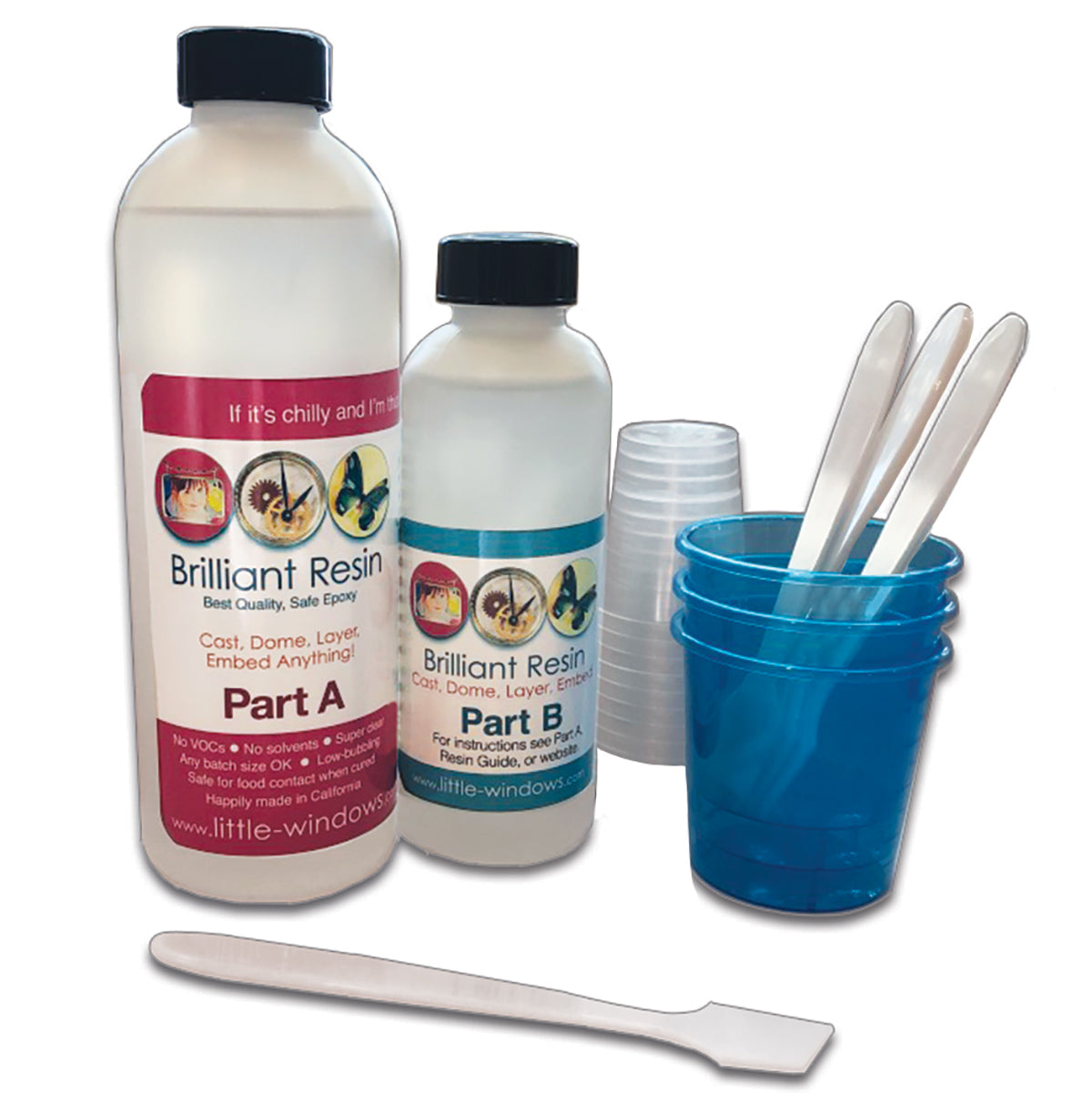
You'll first pour clear resin into your mold, not very deep, then insert your textured Dichro-ISH Films cut to size using the template that comes with our molds.

Let that set up, demold, and Dome Up your buttons, inserting Clear Button Backs.

This doming layer can be clear (as shown above), or black for a more dramatic look.
It's easy to make beautiful, lightweight, washable buttons!
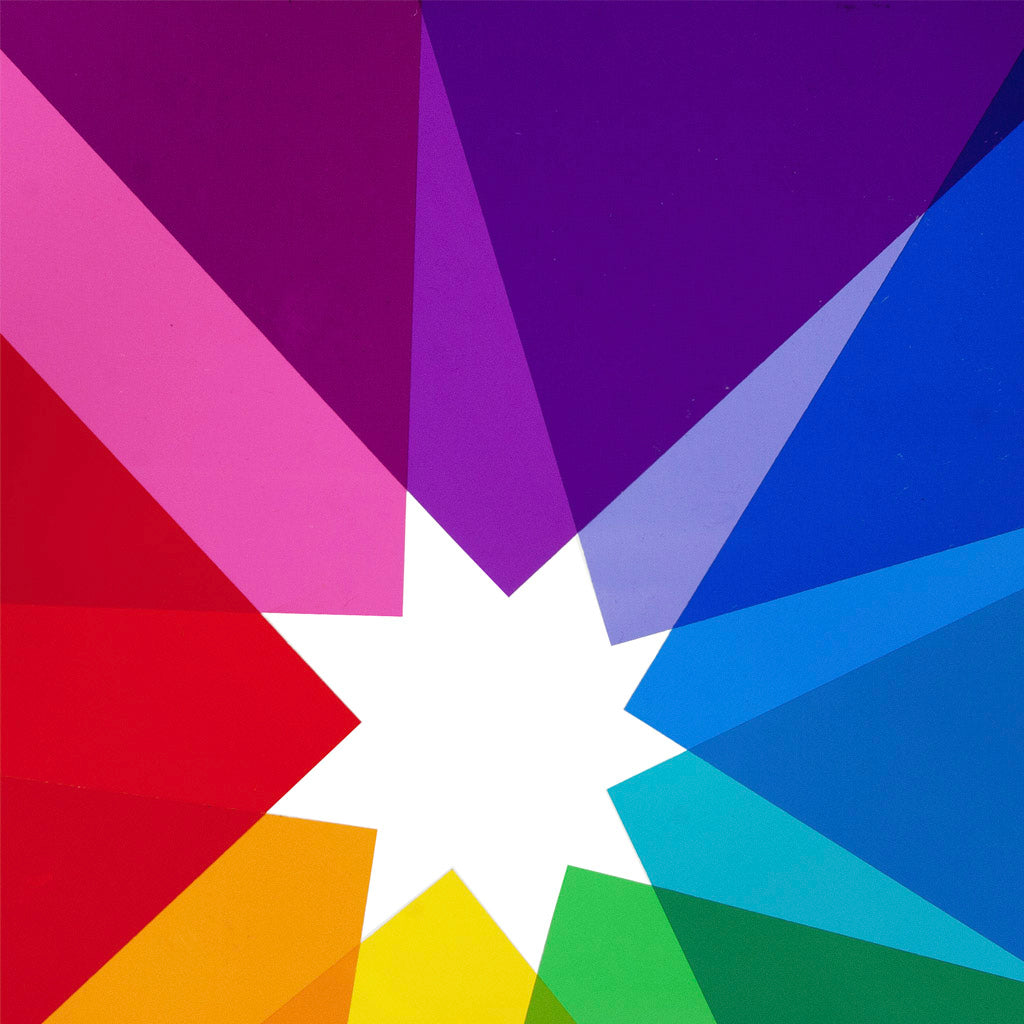
Here's a quick overview of the colors in our Dichro-ISH Films, and how they look when textured, and on light vs. dark backgrounds.


Shop Our Brilliant Supplies
-
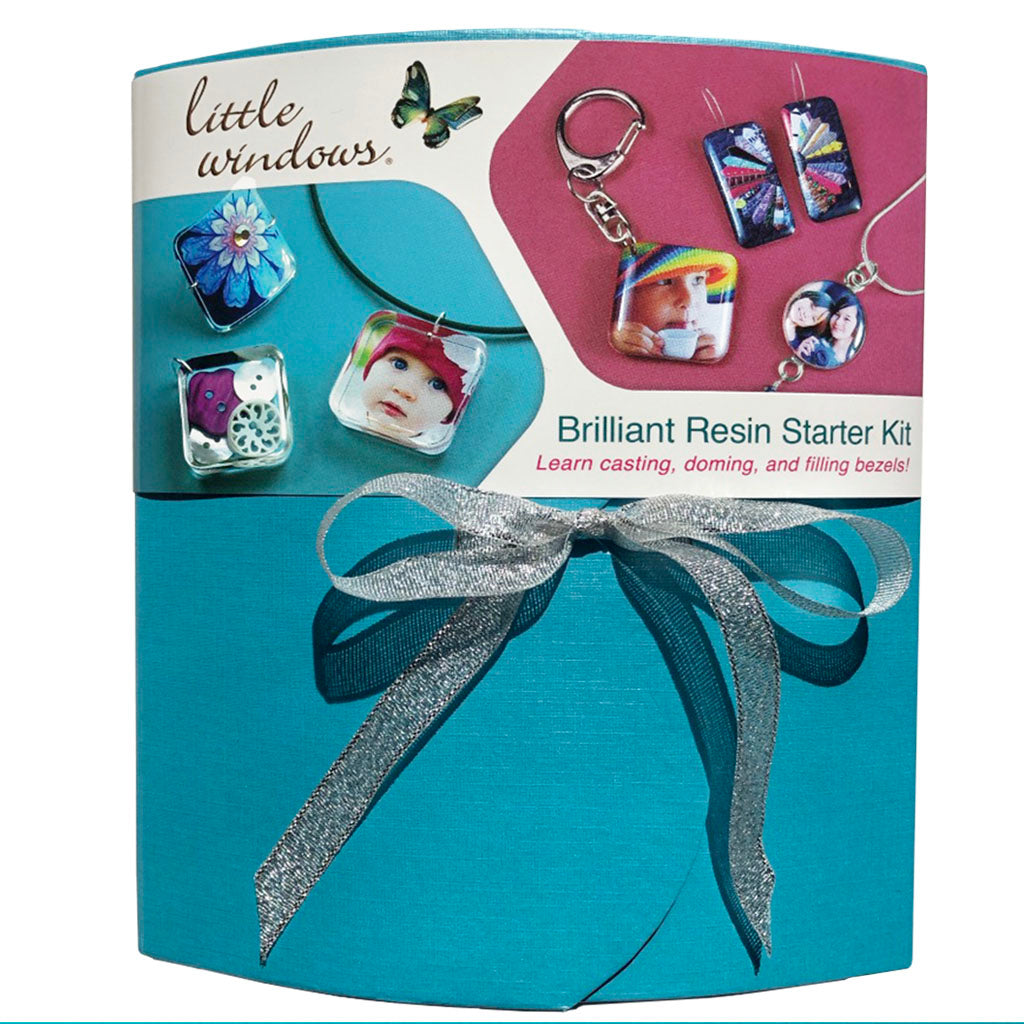
Best Resin Starter Kits
This is the best resin jewelry starter kit! Perfect for beginners, teaches...
-
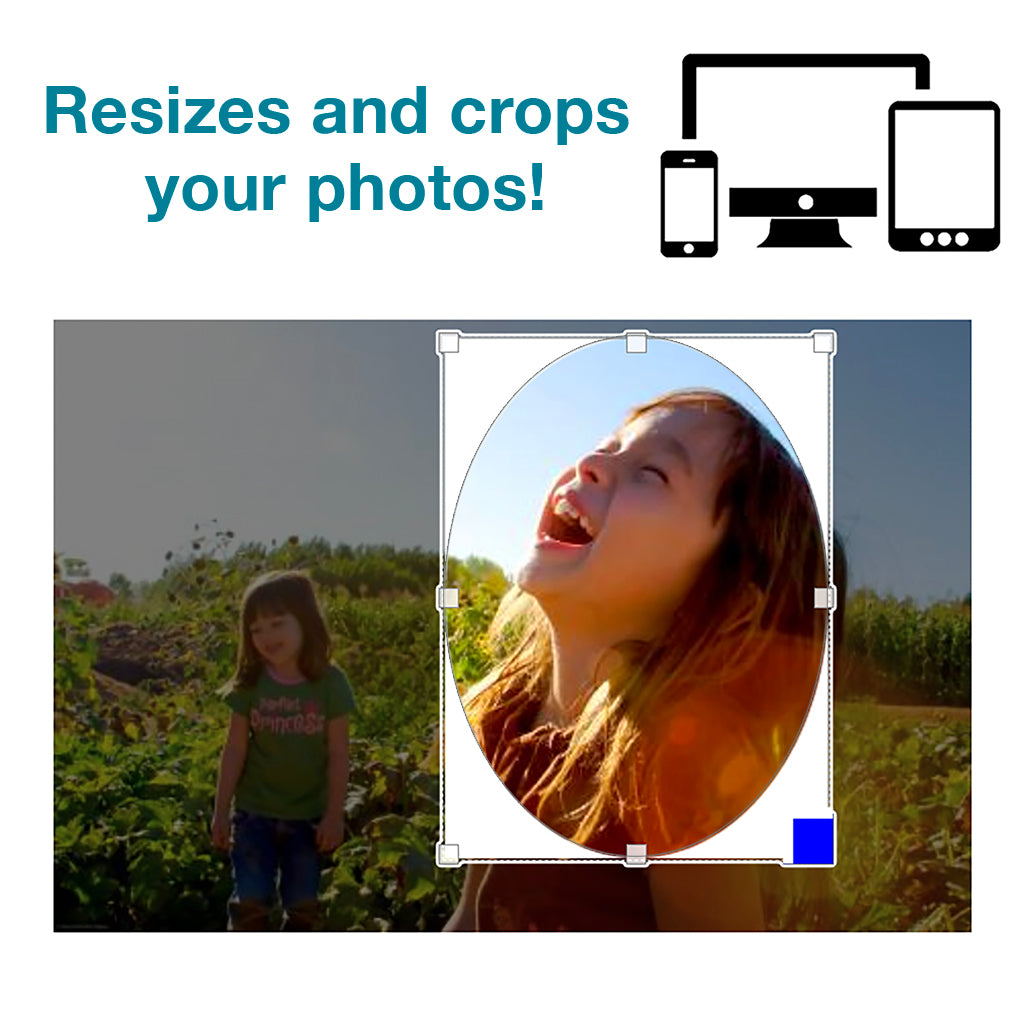
Online Photo Cropper
Access on any computer or mobile device! SCROLL DOWN TO PURCHASE Once...